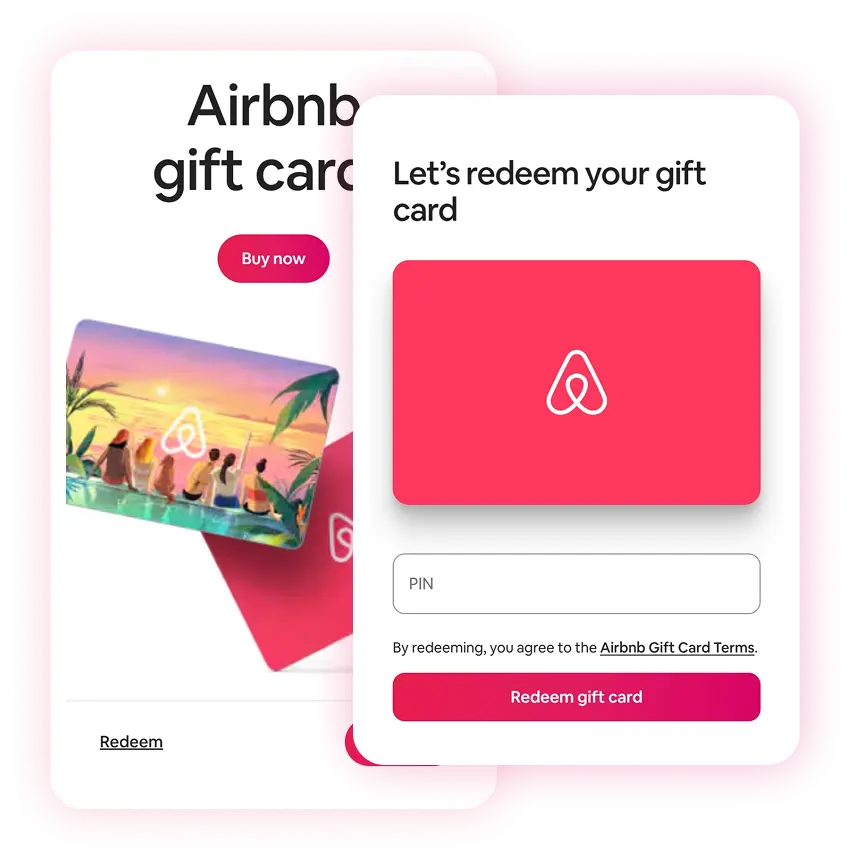
Buy Airbnb gift card with Crypto
Buy a Airbnb gift card with Bitcoin (BTC), Ethereum (ETH), USDT, USDC, PYUSD, Litecoin, Solana, Arbitrum or Dogecoin. You can also pay using Binance or choose from any of the other cryptocurrencies available. Select the amount, and once you've completed the transaction, you'll instantly receive the gift card code via email or view at the secure Cryptorefills Platfrom.
Select country
Airbnb gift cards are currently not available in United States.

Pay Airbnb with Crypto
What is an Airbnb gift card?
An Airbnb gift card is a prepaid card you can use to book stays and experiences on Airbnb, from apartments to treehouses across 220+ countries. Airbnb does not accept Bitcoin or cryptocurrency as a direct payment method, but you can buy an Airbnb gift card with crypto on Cryptorefills and use it exactly like cash at checkout.
Book Airbnb with Bitcoin, USDT, and more
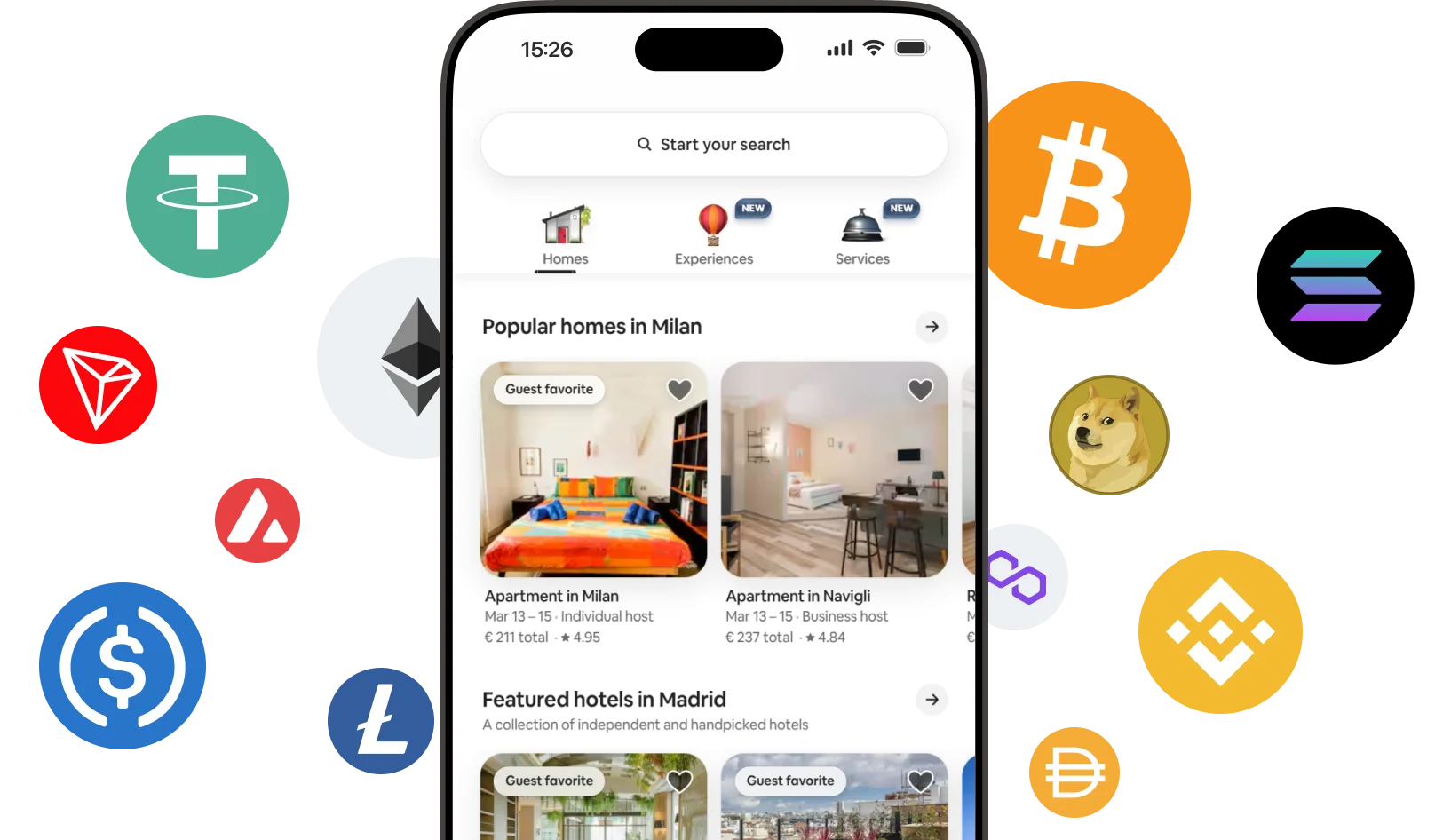
Cryptorefills supports 100+ cryptocurrencies including Bitcoin (BTC), Ethereum (ETH), USDT, USDC, Solana, Litecoin, Dogecoin, and more, across Lightning Network, Ethereum, Solana, Base, Tron, and other networks. Your Airbnb gift card code is delivered instantly to your email. No credit card or bank account needed.
How to buy Airbnb gift cards with crypto
Buy an Airbnb gift card with Bitcoin or any crypto on Cryptorefills in a few steps.
How to redeem your Airbnb gift card
Apply the balance to your Airbnb account in three steps
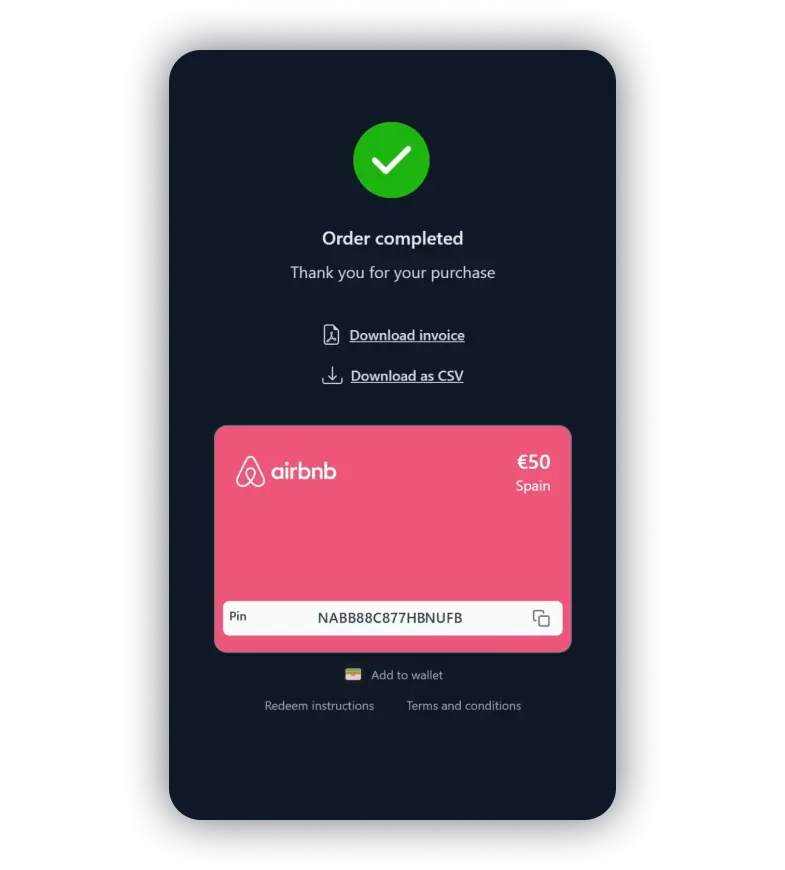
Copy your gift card code
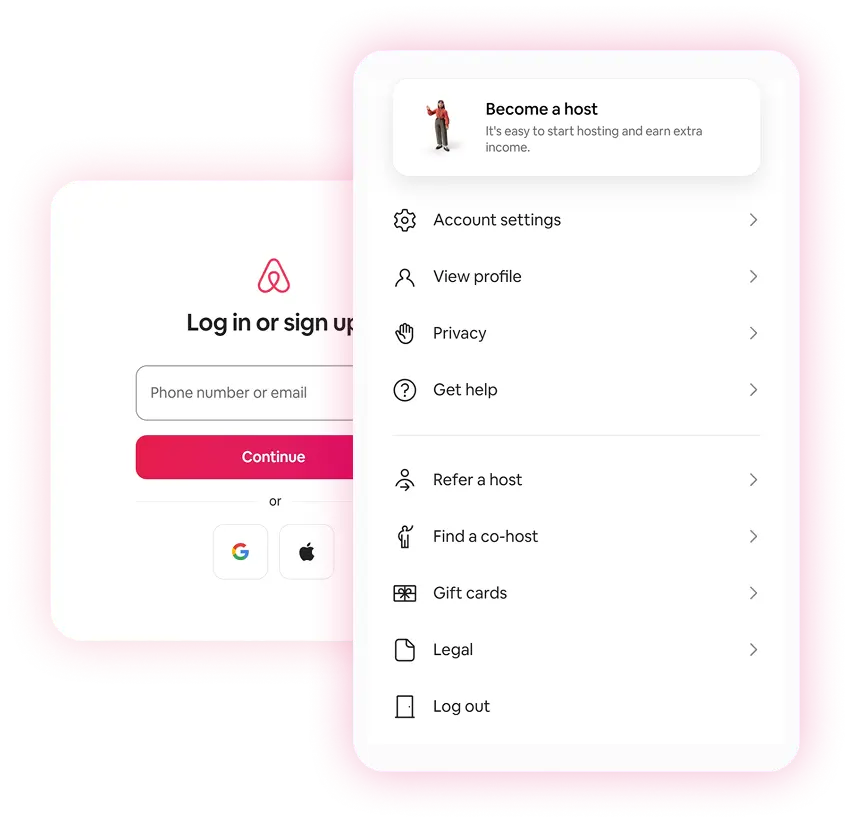
Go to your profile and select Gift Cards