Buy Steam gift card with Crypto
Buy a Steam gift card with Bitcoin (BTC), Ethereum (ETH), USDT, USDC, PYUSD, Litecoin, Solana, Arbitrum or Dogecoin. You can also pay using Binance or choose from any of the other cryptocurrencies available. Select the amount, and once you've completed the transaction, you'll instantly receive the gift card code via email or view at the secure Cryptorefills Platfrom.
Select country
Steam gift cards are currently not available in United States.
#protip
Steam gift cards are region-locked. Steam actively monitors accounts and won't allow redemption outside the issuing country, including via VPN. We can't offer refunds for codes redeemed outside the issuing region.

Pay Steam with Crypto
About Steam gift cards
Steam is a digital distribution platform for video games with an extensive library of games, software and other digital content. Buy a Steam gift card with Bitcoin or other crypto on Cryptorefills, whether you're a dedicated gamer or looking for the perfect gift for a gaming enthusiast.
Pay for Steam with Bitcoin, USDT, and more
Cryptorefills supports 20+ cryptos including Bitcoin, Ethereum, USDT, USDC, Solana and Binance Pay. No KYC required. Your Steam gift card code is delivered instantly to your email.
How to pay with Crypto on Steam?
How to buy a Steam gift card with crypto on Cryptorefills:
How to redeem your gift card
Redeem your Steam gift card in 3 steps
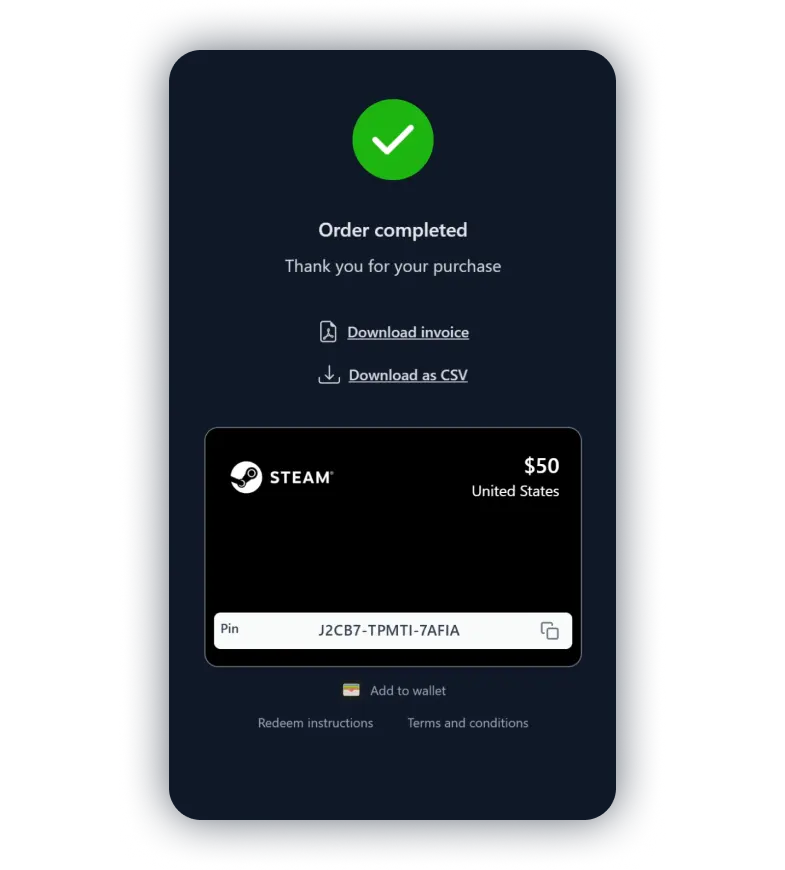
Copy the gift card code
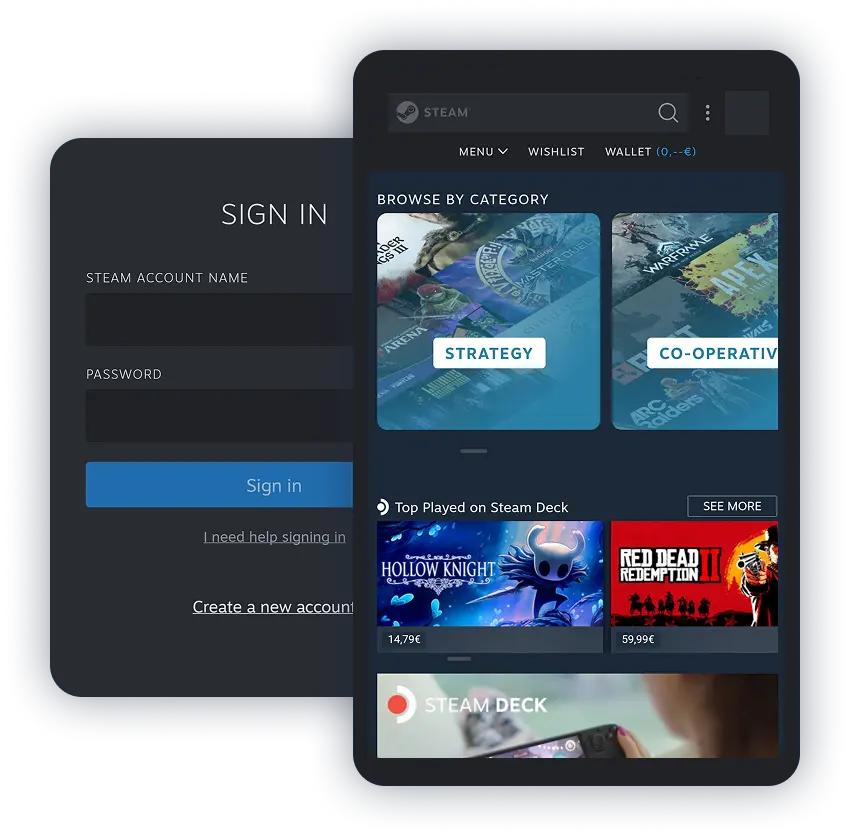
Open the Steam app and go to your Wallet
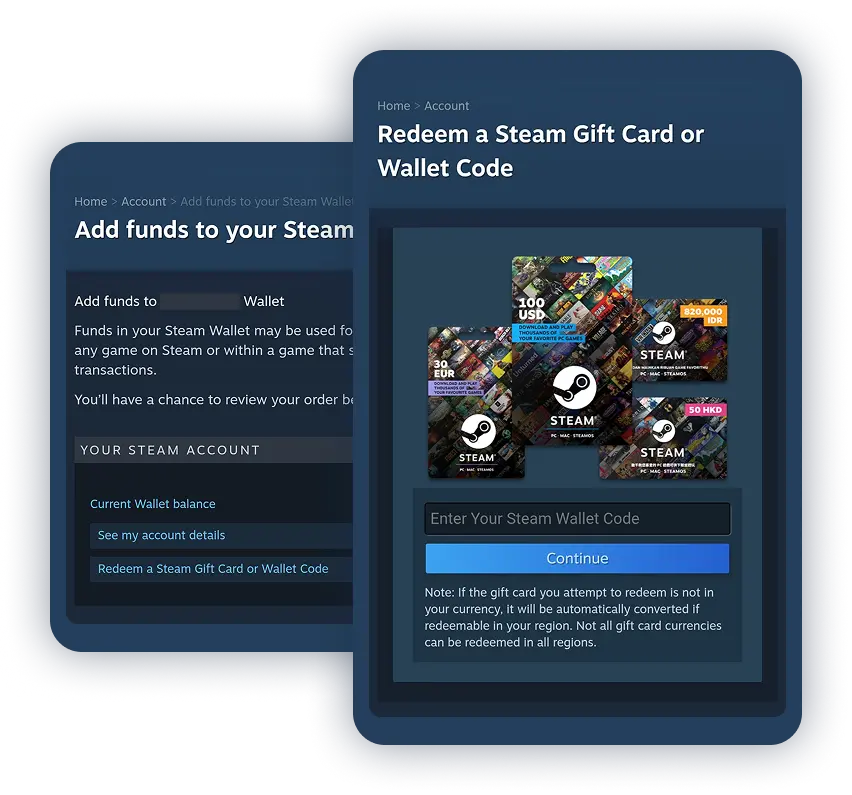
Redeem your gift card code
What our customers say

Martín
2025-09-29
I purchased 3 steam keys… I purchased 3 steam keys (I checked they were meant for my region) and it worked better than expected. It was fast and there were no issues of any kind at all. I'm really glad I found Cryptorefills honestly.
alejandroninsausti
2025-01-29
Worked perfectly! No issues no delays!
dmcguinness4130
2024-05-10
TOP provider in all gift cards I need. Works every time no problem. Thanks!
Onur
2022-06-08
Bought 1600 of TRY Steam codes for me and a friend and everything whent smoothly with BinancePay. Got my codes within 5 minutes. Also the fees are really low compared to other websites that sell Steam/other balance codes
Onur
2022-06-01-09
Bought 1600 of TRY Steam codes for me and a friend and everything whent smoothly with BinancePay. Got my codes within 5 minutes. Also the fees are really low compared to other websites that sell Steam/other balance codes
Kleylux
2022-03-18
I always use CryptoRefills to buy Steam, Personal (Argentina) and Eneba gift cards using USD-C on Polygon Network. Never had any problem on the site. Once I had an issue with my phone trying to add balance and CryptoRefills support team helped me without it even being their problem. Recommended 10/10.
Kleylux
2022-03-18
I always use CryptoRefills to buy Steam, Personal (Argentina) and Eneba gift cards using USD-C on Polygon Network. Never had any problem on the site. Once I had an issue with my phone trying to add balance and CryptoRefills support team helped me without it even being their problem. Recommended 10/10.
Toby Coelen
2020-12-21
Awesome! Okay, first of all I ordered a steam giftcard. After reading some reviews I thought I made a bad choice ordering from Cryptorefills. No. Everything was fast and totally fine so yes, if you are looking to order from here. Go for it!
Toby Coelen
2020-12-21
Awesome! Okay, first of all I ordered a steam giftcard. After reading some reviews I thought I made a bad choice ordering from CryptoRefills. No. Everything was fast and totally fine so yes, if you are looking to order from here. Go for it!
Frequently asked questions
- Cryptorefills is an online gift card retailer that accepts 20+ cryptos as payment, including Bitcoin, Ethereum, Solana, Litecoin, Dogecoin, XRP, TON, TRON, Arbitrum, USDC, USDT and Binance Pay. No KYC required. Select an amount, pay with crypto, and receive your code instantly.
- No. Cryptorefills does not require KYC (identity verification) for standard gift card purchases. You only need a valid email address to receive your Steam gift card code.
- Steam does not accept Bitcoin or crypto directly. You can buy Steam gift cards with Bitcoin or other crypto on Cryptorefills, then redeem the code to add funds to your Steam Wallet.
- The easiest way to redeem the voucher is to use the Steam client. After starting the client, go to the navigation menu and select 'Games'. Select 'Redeem a Steam voucher code' to top up your account.
- The gift card code you receive on Cryptorefills is valid for at least 2 years.