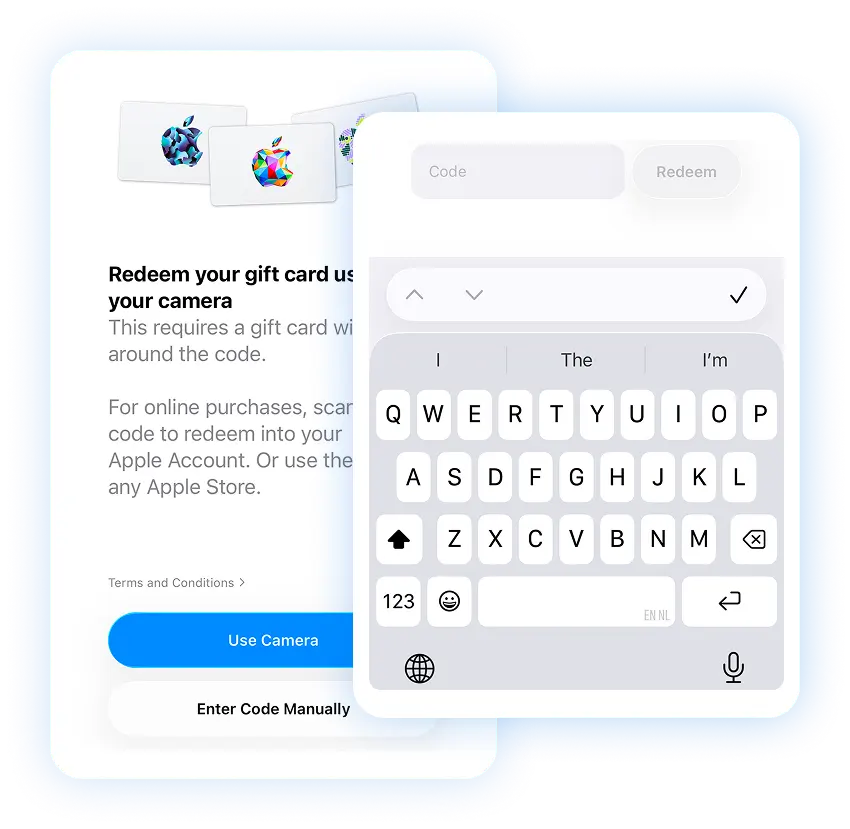
Buy Everything Apple gift card with Crypto
Buy a Everything Apple gift card with Bitcoin (BTC), Ethereum (ETH), USDT, USDC, PYUSD, Litecoin, Solana, Arbitrum or Dogecoin. You can also pay using Binance or choose from any of the other cryptocurrencies available. Select the amount, and once you've completed the transaction, you'll instantly receive the gift card code via email or view at the secure Cryptorefills Platfrom.
Select country
Everything Apple gift cards are currently not available in United States.
Pay Everything Apple with Crypto
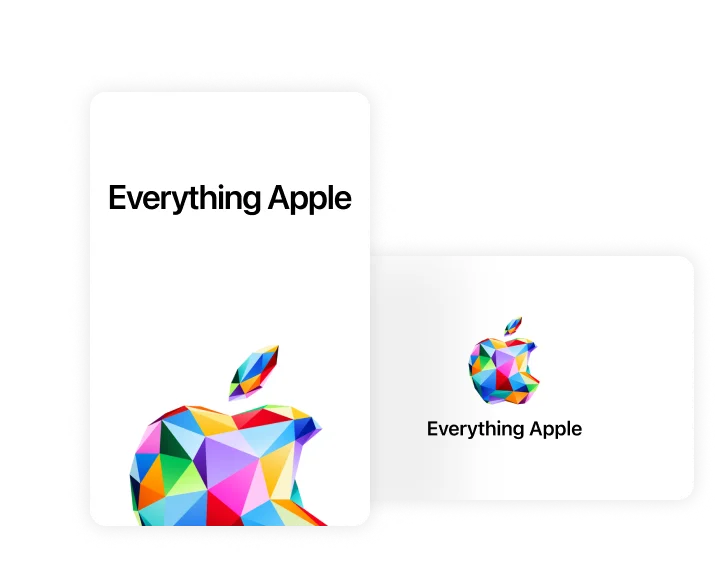
About Everything Apple gift cards
Everything Apple gift cards work across the entire Apple ecosystem: App Store, iTunes Store, Apple Music, iCloud storage, Apple TV+, and more. You can also use them toward Apple hardware purchases at the Apple Store or Apple.com. Available in multiple denominations worldwide.
Buy Everything Apple gift cards with Bitcoin, USDT, and more
Cryptorefills supports 100+ cryptocurrencies including Bitcoin, Ethereum, USDT, USDC, and Solana. Your Everything Apple gift card code is delivered instantly to your email. No credit card required.
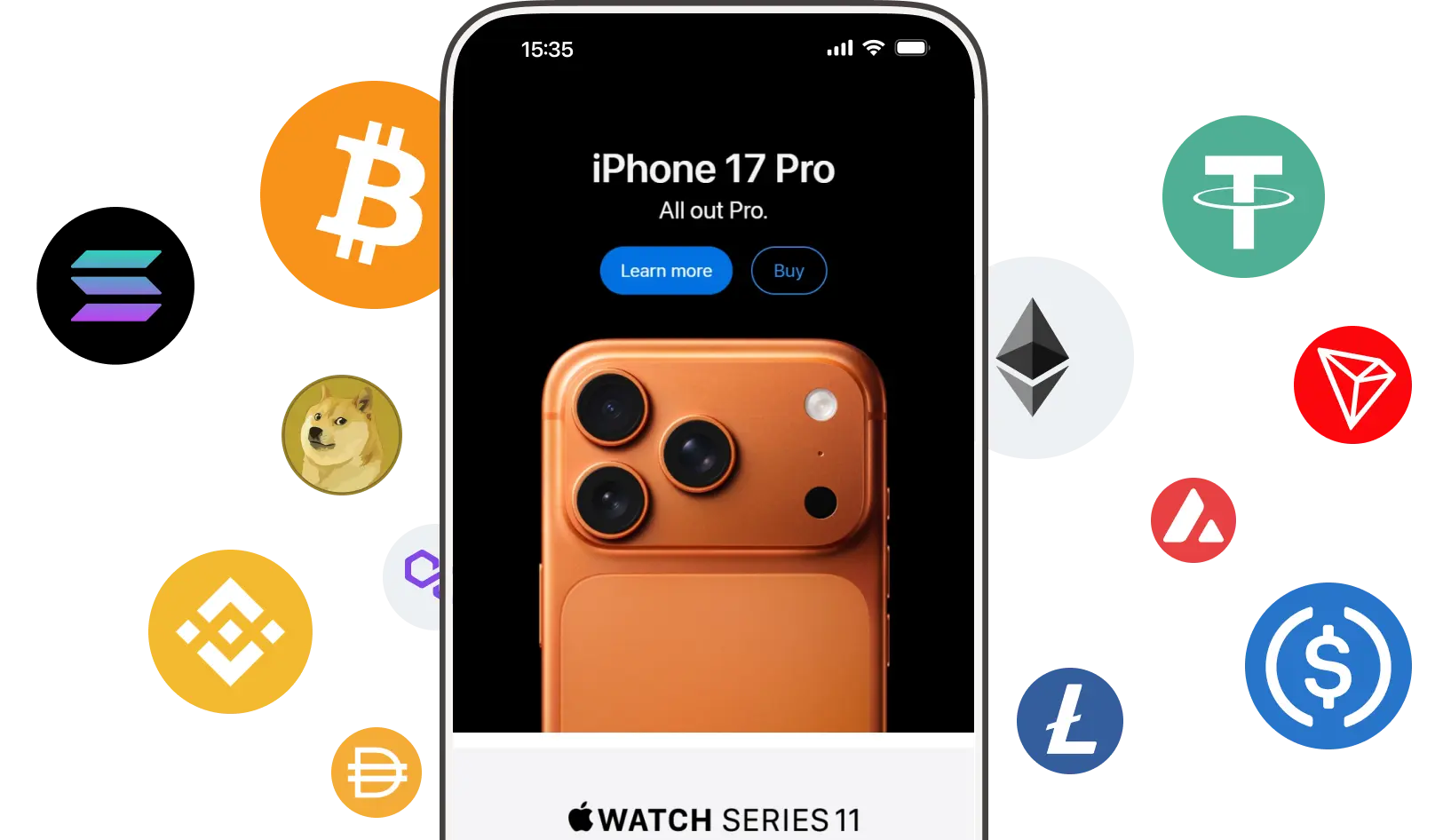
How to buy Everything Apple gift cards with cryptocurrency
Buy an Everything Apple gift card with Bitcoin, Ethereum, USDT, or other crypto on Cryptorefills. Choose your amount, pay, and get your code instantly.
How to redeem your Everything Apple gift card
Add the balance to your Apple ID in three steps
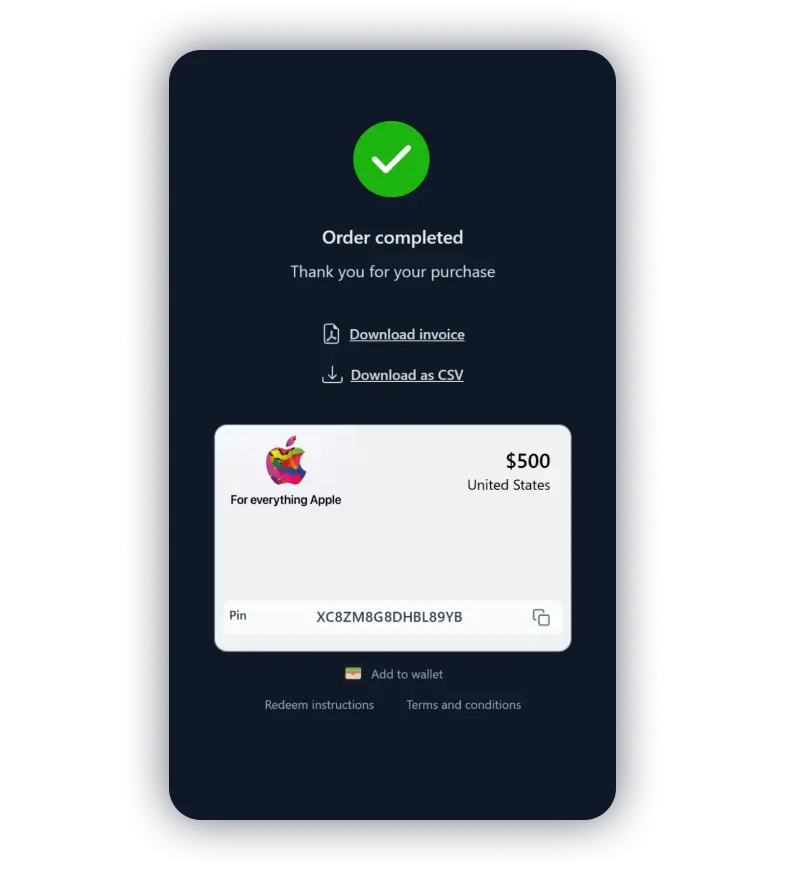
Copy your gift card code
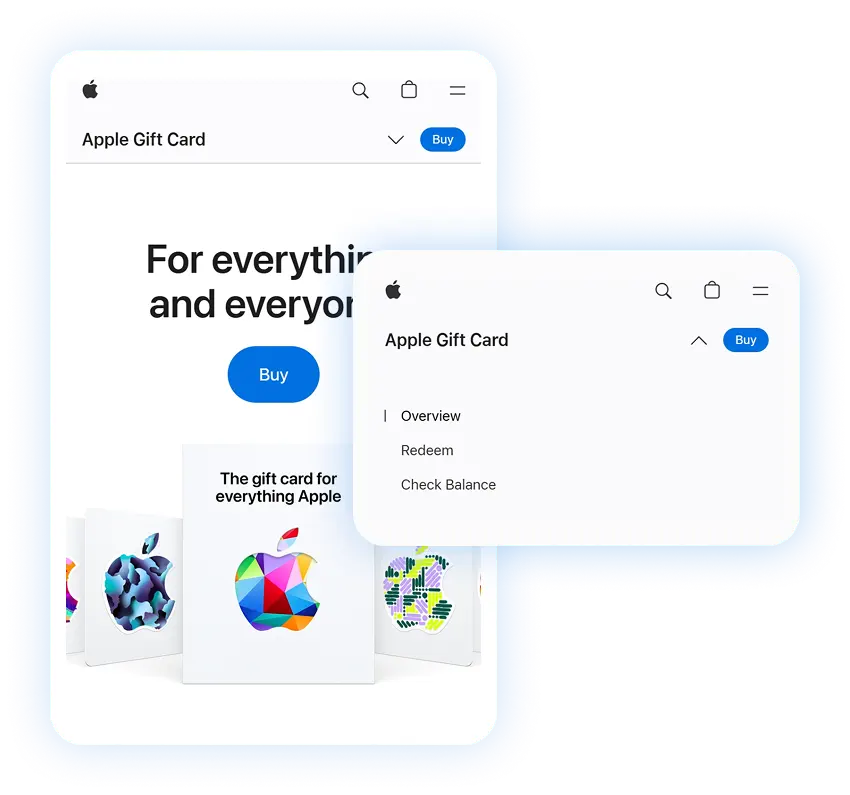
Go to the Apple redeem page